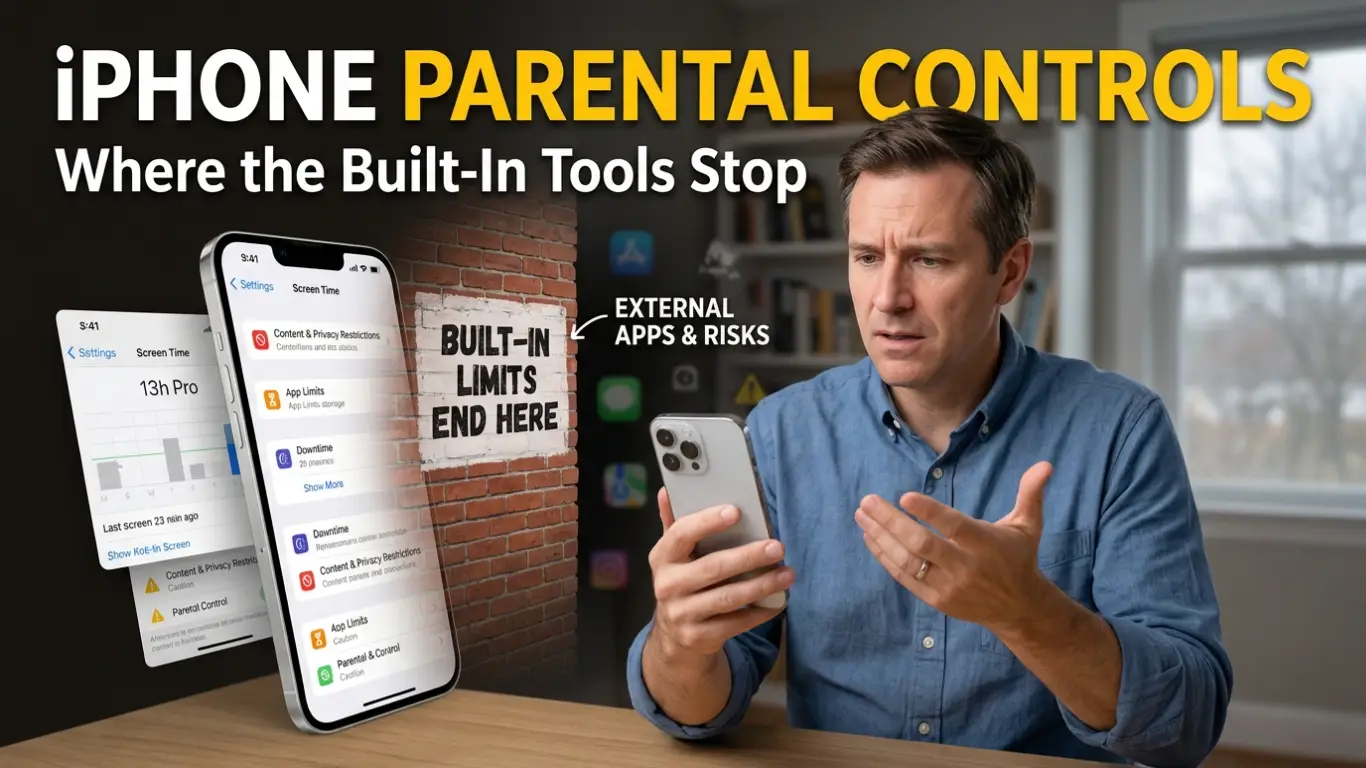
iPhone Parental Controls: Where the Built-In Tools Stop
Daisy’s football club is a fifteen-minute walk from the school gates, and the first week she walked it on her own I got next to nothing done between half three and five. Not because anything was wrong, but because I had no way of knowing she’d arrived until she texted, and a ten-year-old texts when she remembers, which is rarely. That was the week I opened Findmykids, watched the little dot settle at the leisure centre, and finally put the kettle on.
When people talk about iPhone parental controls, they usually mean the time-and-content side: how long she’s on the thing, and what she can see on it. All useful. But the worry that actually nags at you isn’t the screen in front of her — it’s where she is when she’s nowhere near you. With her location on a map, I can see her come out of school, head down the high street the usual way, and reach the club without me firing off “where are you?” three times in a row.
The bit the toggles can’t tell you
The app keeps a history of her routes too, so if I ever do wonder how an afternoon went, a quick look back usually settles it: same walk, same timings as every other day. Safe zones are the part I lean on most, though. You mark the places that matter — home, school, a grandparent’s, the leisure centre on a Thursday — and a quiet notification lets you know when she arrives or sets off again. So when club is meant to finish at five and the alert says she left at quarter past, you already know she’s on her way before you’ve thought to wonder.
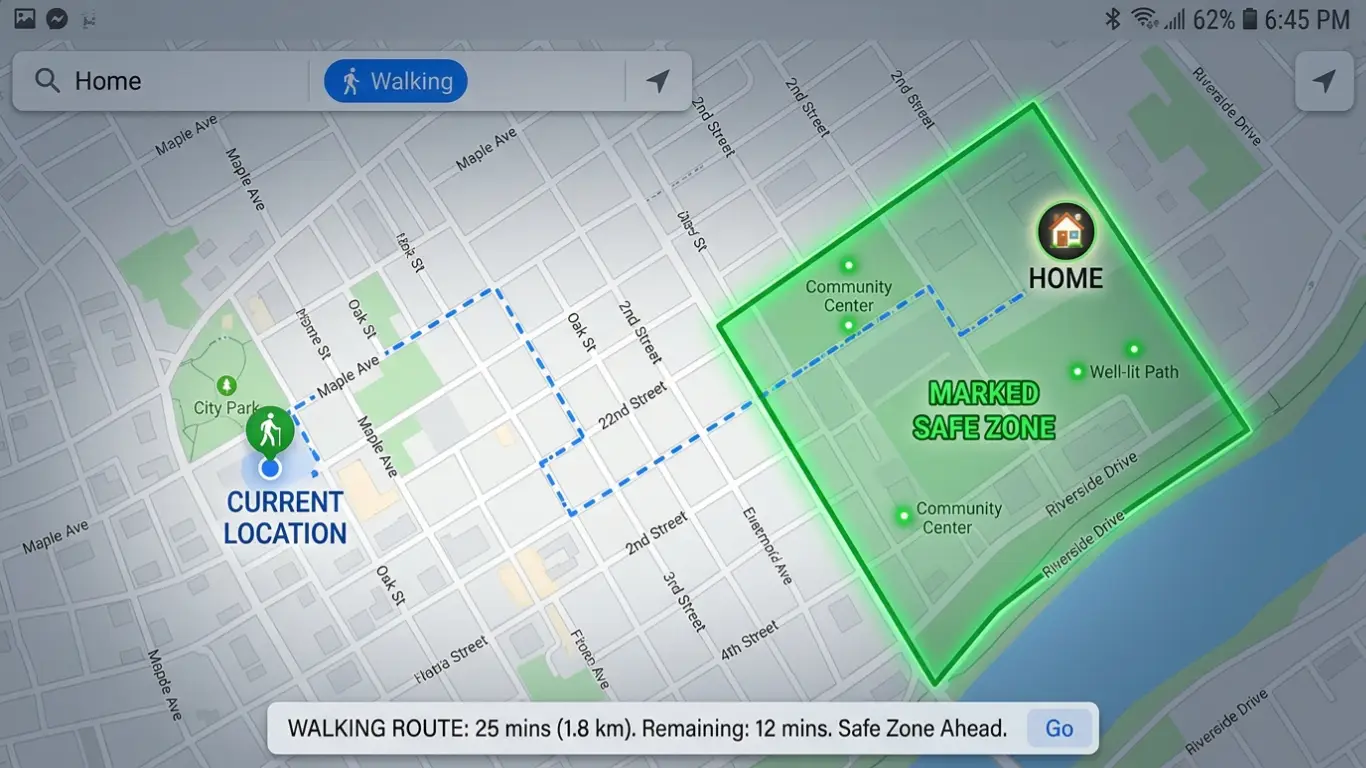
There’s a heads-up too if the usual route changes, if the walk home suddenly bends off somewhere it normally wouldn’t. It isn’t an alarm. It’s more of a nudge to send a quick message and check in, the same as you would if she were ten minutes late at the front door.
When you can’t get a phone to ring
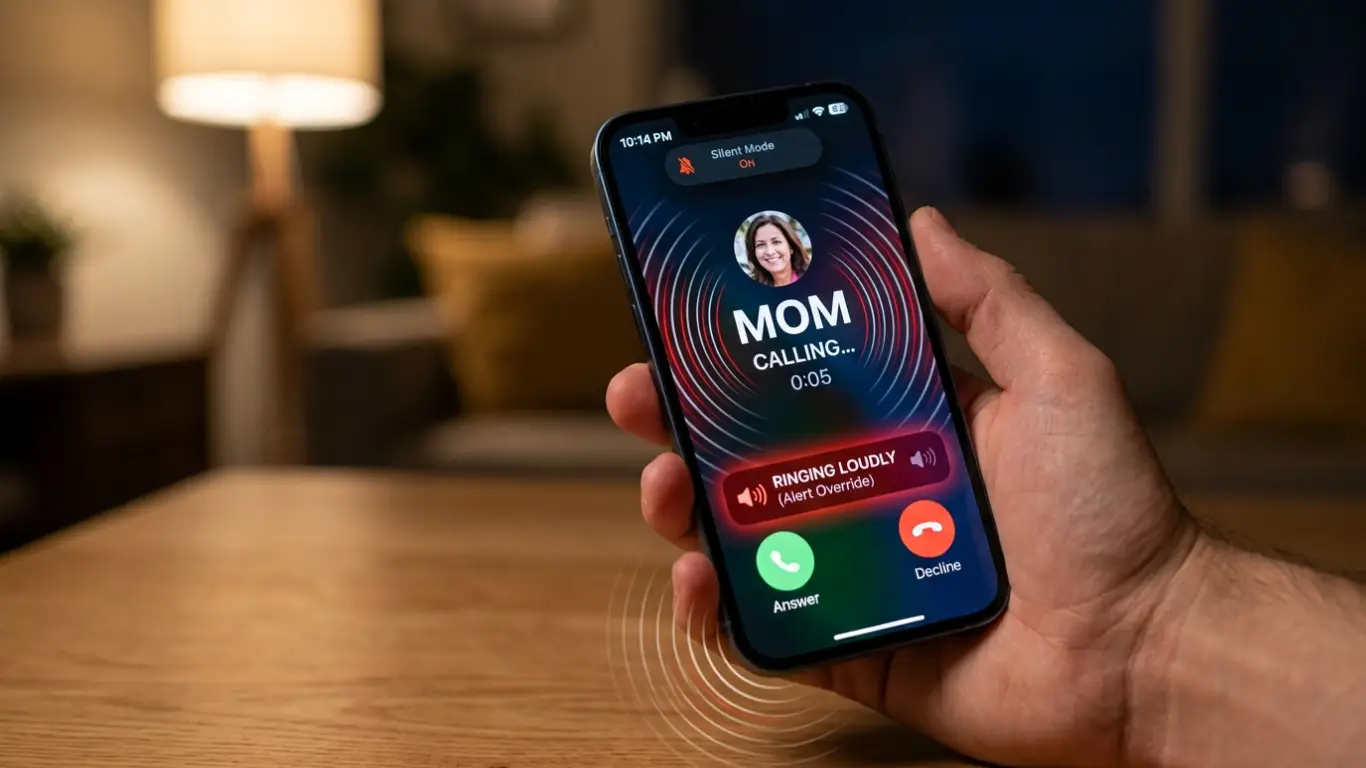
Then there’s the old favourite: phone face-down at the bottom of a bag, on silent, ringing into nothing. A teenager not picking up usually isn’t anything sinister — it’s a bag, a noisy bus, a forgotten volume setting. The loud signal gets past all of that. It rings with a loud tone even when the phone is set to silent, which has saved me more than once standing about at pickup, wondering whether she’d even seen my call. If something genuinely goes wrong at her end, Daisy can send an SOS straight to me without hunting for the right screen. And because a flat battery is the honest reason most kids “go quiet,” you get a warning when hers is getting low, while there’s still time to do something about it rather than finding out after the phone has already gone dark.
None of this is about hovering over her shoulder. Most evenings I glance once, see she’s where she’s meant to be, and get on with making the tea.
Where Apple’s own controls stop
Apple’s built-in tools earn their keep, up to a point. Screen Time looks after downtime and app rules, and Find My will put a device on a map. Both are fine as far as they go. The snag is that they stay fairly basic, and they only really work inside Apple’s world. Find My, for one, assumes everyone’s on an iPhone — so the minute one parent is carrying an Android, it stops being much help. Findmykids works across that divide, with more room to fine-tune things, whichever phones the rest of the family happen to own.
The content side isn’t limited to what’s built in, either. On an iPhone you can block adult sites, so the obvious stuff doesn’t surface halfway through an innocent search, and block particular apps you’d rather stayed shut while there’s homework to be done. And if there are two of you keeping an eye out — or an older sibling roped into the school run now and then — a family circle puts everyone on the same map. It takes the guesswork out of the days when pickup gets handed around at the last minute.
What you’re really after with all of this is small and calm: knowing Daisy reached the leisure centre, so the evening can carry on without a running tally of unanswered texts. If that’s the part of iPhone parental controls the built-in settings keep missing for you, Findmykids is worth a look. The core features are free to use, and you’ll find it on the App Store and Google Play. Set it up once together, sit her down so she knows what it does and why, and most evenings you’ll forget it’s even there — right up until the moment you’re glad it isn’t.