
A Digital Travel Checklist for Brits Heading Abroad
Most travel planning starts with the obvious things: passports, flights, hotels, and what to pack. The digital side usually gets attention only when something becomes annoying.
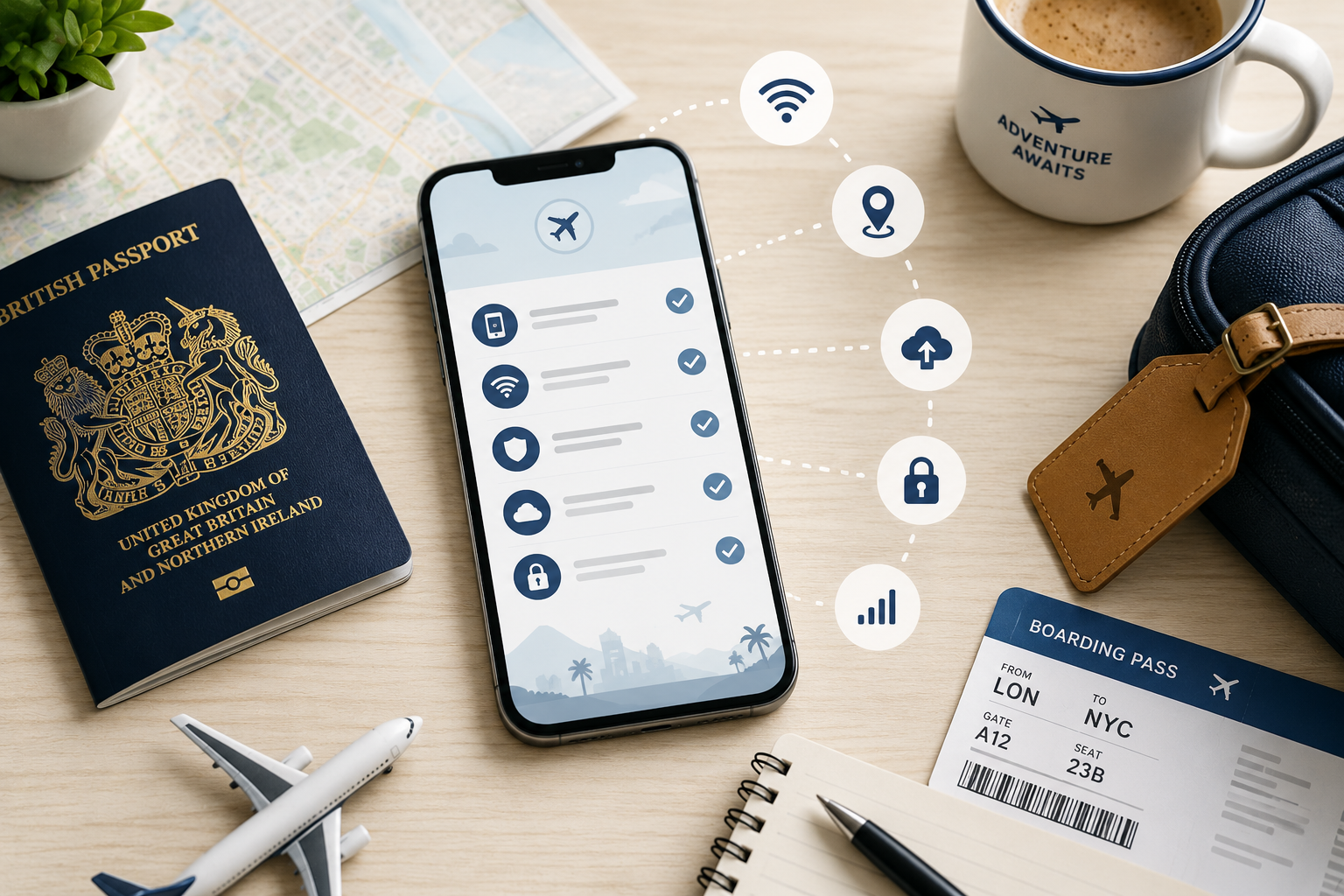
A hotel Wi-Fi page will not load. A banking app asks for a code you cannot receive. The airline app signs you out just when you need your boarding pass.
Small problems like these rarely ruin a trip, but they can make a tired arrival feel much harder than it needs to be. A few checks before leaving the UK can prevent most of them.
Open the Apps You Will Rely On Before the Trip
Before travelling, open the apps you expect to use while away. For most people, that means airline, hotel booking, maps, banking, messaging, travel insurance, and local transport apps.
Make sure they still open, log in, and show the information you need. Banking apps deserve extra attention because they may sign you out after a long break or ask for extra verification when they detect a login from another country.
If your accounts use two-factor authentication, check where the code will arrive. It may go to your UK number, email, authenticator app, or another trusted device. Fixing this at home is much easier than trying to recover access in an airport queue.
Decide How You Will Get Online Before You Land
Internet access is easy to ignore until you suddenly need directions, a taxi app, or a booking confirmation with no reliable signal.
Before leaving, decide whether you will use your UK roaming plan, buy an eSIM, get a local SIM card, or rely mostly on hotel Wi-Fi. You could also use Mysterium VPN to add a layer of privacy when connecting to public Wi-Fi networks abroad. The right choice depends on the trip, but making that decision early saves you from solving it while tired outside the arrivals hall.
Download the basics before departure too. Offline maps, boarding passes, hotel confirmations, translation packs, and train tickets are not exciting, but they are exactly what you want when the connection drops at the wrong moment.
Treat Public Wi-Fi as Useful, Not Automatically Safe
You will probably use public Wi-Fi at some point during the trip, whether in a hotel, airport, café, shopping centre, or train station.
Most networks are legitimate, but busy travel spots can also attract fake hotspots with names that look close enough to the real thing. If you are unsure, ask staff for the official Wi-Fi name before connecting.
Keep sensitive tasks away from random public networks when possible. Password resets, online banking, work systems, and account recovery are calmer to handle over mobile data.
If you often connect to shared networks while travelling, using a free VPN can add a privacy layer by encrypting traffic between your device and the VPN server. It helps most when paired with basic habits, such as checking the network name and avoiding suspicious login pages.
Slow Down Before Clicking Travel Links in Your Browser
A lot of travel decisions happen quickly inside the browser. You compare restaurants while walking, check museum tickets at the hotel, look up transport routes from the street, or search for a last-minute booking when plans change.
That speed is useful, but it also makes people careless.
Before entering payment details, check whether the page is official or at least from a platform you recognise. Be careful with pop-ups promising urgent discounts, prize offers, or software downloads. If a page feels aggressive or oddly designed, close it and search again.
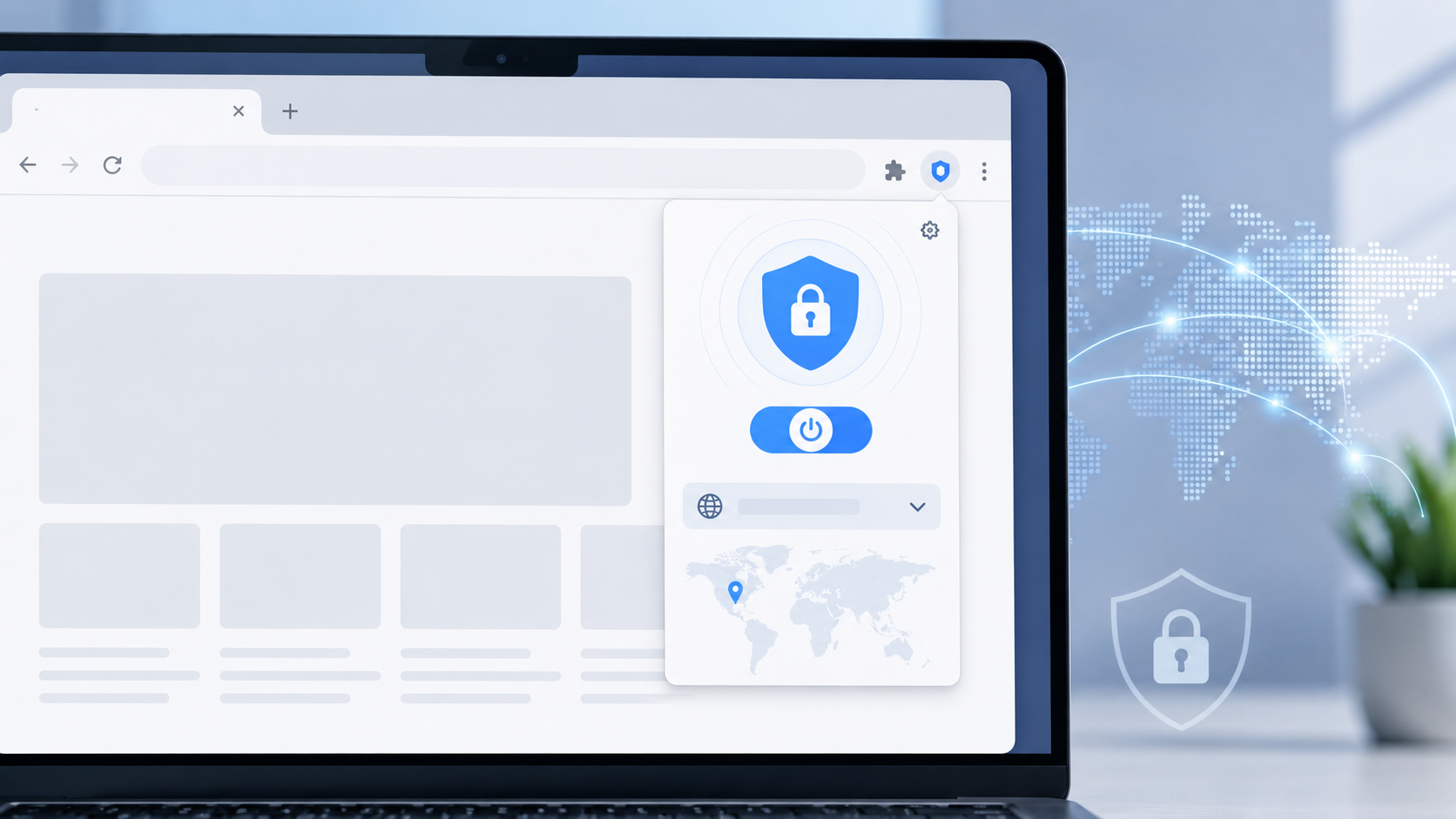
For travellers who mainly use Chrome for booking, maps, and quick searches, a Chrome VPN extension can be a light browser-level option when using unfamiliar networks.
Set Up Backup Access Before Something Goes Wrong
The most frustrating travel problems are often boring ones: a phone battery dies before check-in, a device is left in a taxi, a new SIM card stops verification texts, or an app signs out at the worst moment.
A little backup planning makes those problems easier to handle.
Save important documents securely in the cloud. Keep backup access to your main email account. Make sure your phone has a strong lock screen. If you use Find My iPhone or Find My Device, check that it is turned on before you leave.
For important accounts, backup codes or an authenticator app can be more reliable than relying only on SMS. This matters even more if you plan to change SIM cards abroad.
Let Travel Tech Stay Quiet in the Background
Good travel tech should make the trip feel smoother without becoming another thing to manage.
Most digital travel problems come from small oversights: an app that was never checked, a file that was not downloaded, a Wi-Fi network chosen too quickly, or a recovery method that only works back home.
Tools like X-VPN can be one part of a travel privacy setup, especially for people who often connect to shared networks. Better habits still do most of the work.
Check the important apps. Plan your connection. Be careful with public Wi-Fi. Prepare backup access before you need it.
Then your phone can do what it is supposed to do while you travel: help quietly, without turning every small issue into a project.